Digital Lab & Printing
From file organization and scanning, to image editing and printing, we’ve got you covered.
PCNW’s digital lab and printing facilities are equipped to help you achieve your editing needs and the highest quality of archival digital printing for any job, big or small.
>> ACCESS & RENTAL
>> EQUIPMENT & SOFTWARE
>> DIGITAL PRINTING SERVICE
>> DIY PRINTING & SCANNING
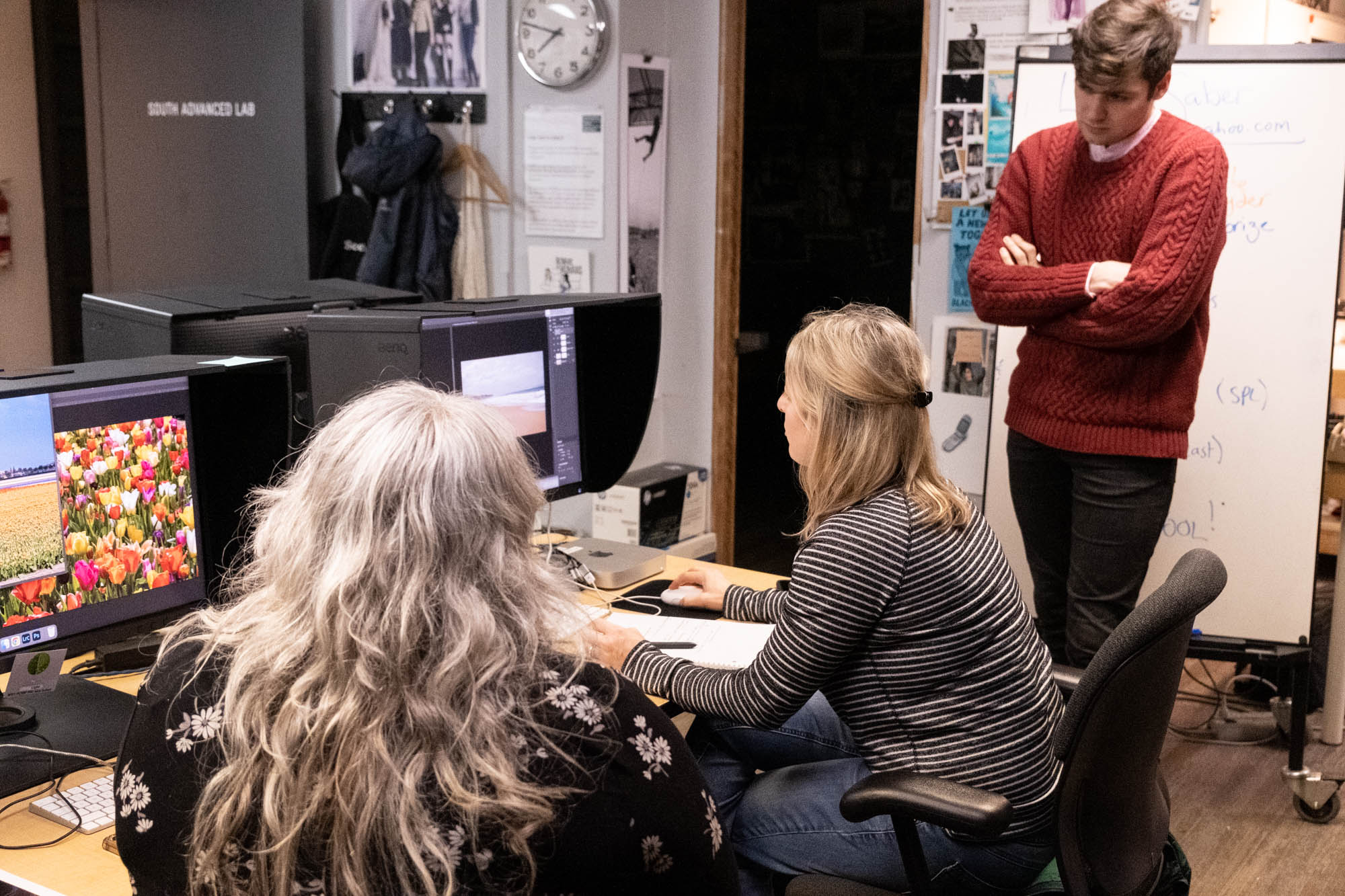
Amateurs and professionals alike may reserve space in the darkrooms, digital labs, or studios up to a week in advance of the desired appointment date. If you are new to PCNW, a free orientation to assess your skills and to cover policies, equipment use, check-in procedure, and safety issues is required. To make a reservation and/or schedule your orientation, call us at 206.720.7222 x0 or e-mail pcnw@pcnw.org.
All of the equipment and software necessary for editing and printing in the digital lab is provided by PCNW and is included in the facility rental and printing rates. Renters are required to provide their own USB or other portable drives that can be read by Mac computers. Renters may bring their own paper for printing or utilize available PCNW stock paper.
Digital Printing Service
PCNW offers online printing services through our Digital Lab. This service allows users to submit digital files directly to be printed by our staff, with an average turn around time of three business days. Visit our Digital Printing Service page for complete details.
New to Digital Imaging & Printing?
Digital Lab Orientations
PCNW offers the following free 30-minute orientations by appointment on weekends between 1-4pm:
- Printing from Lightroom templates with our 17” Epson P5370 printer
- Scanning 35mm B&W negatives or positive film with Negative Supply overhead camera capture (Best for uncut rolls of film)
- Scanning 35mm B&W negatives or positive film with Epson V850/750/700 flatbed scanners in the digital lab (Easier for strips of film or mounted slides)
Orientations are free and go over the basics of using our DIY digital labs. They are geared toward those who have prior experience with a digital photography workflow.
If you are a beginner with no experience, or would like to learn more advanced topics (such as scanning and inverting color negative film, printing on roll paper, or large format printing), please register for a class or workshop to get started.
To make an orientation appointment or ask questions, please email frontdesk@pcnw.org.
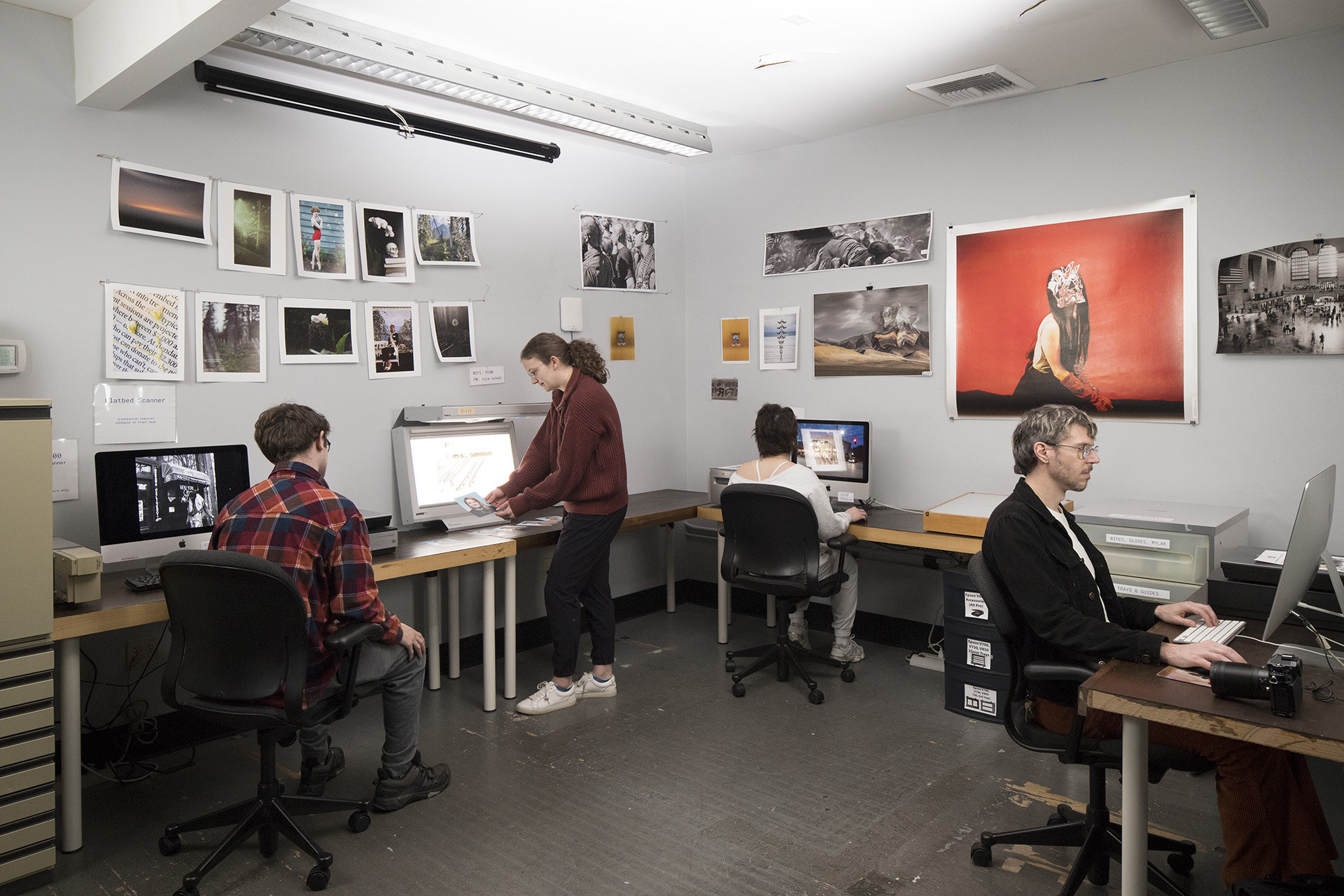
Mac workstations running the most recent OS software
Full Adobe Creative Cloud Suite
Calibrated BenQ SW270 27″ editing monitors
Calibrite Display Pro HL calibration device
PRINTERS
Canon imagePROGRAF PRO-4100 44” printer
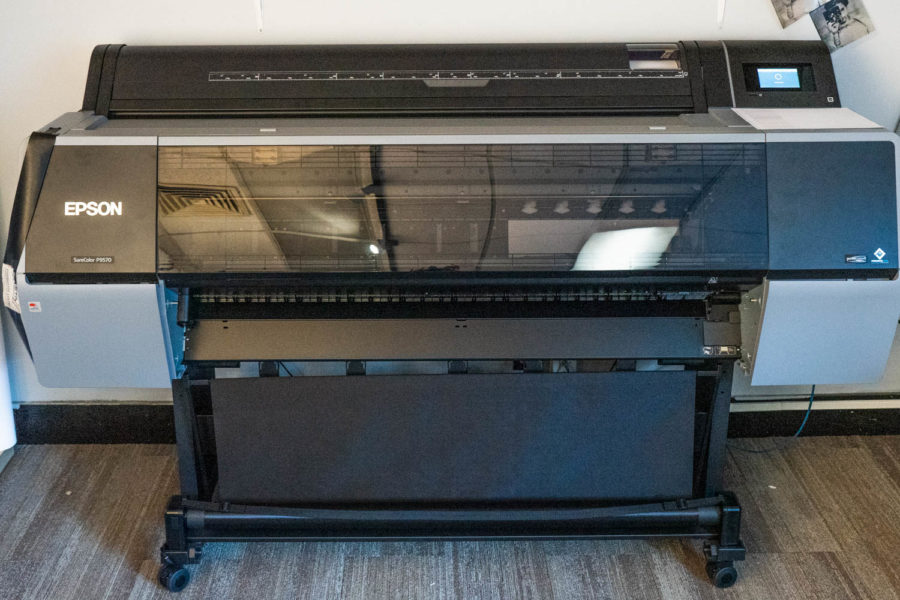
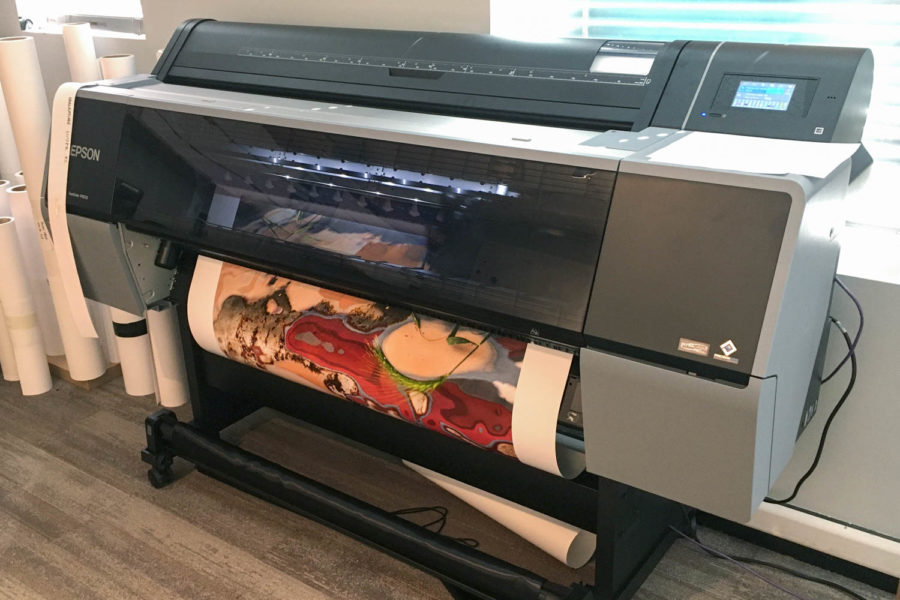
Epson P9570 44″ photo black printer (cannot print on matte paper)
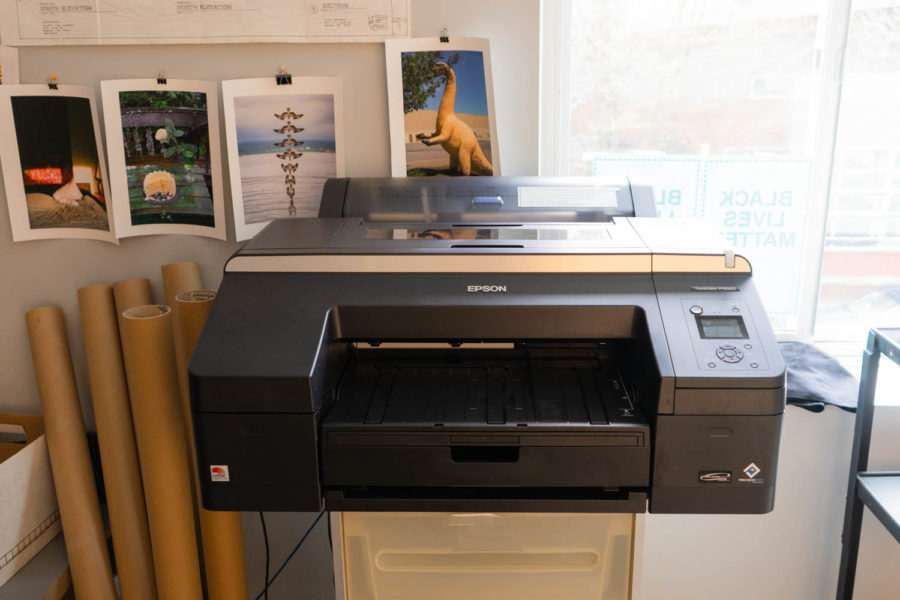
One Epson SureColor P5000 17” printer (digital negatives only)
SCANNERS
One Epson V700 8.5×11” flatbed scanner
Two Epson V750 8.5×11” flatbed scanners
One Epson V850 8.5×11” flatbed scanner
Nikon LS-4000 & LS-5000 35mm scanners running with VueScan
Nikon LS-9000 35mm & 120 film scanner running with NikonScan 4
Wet mount scanning capability for flatbed and DSLR
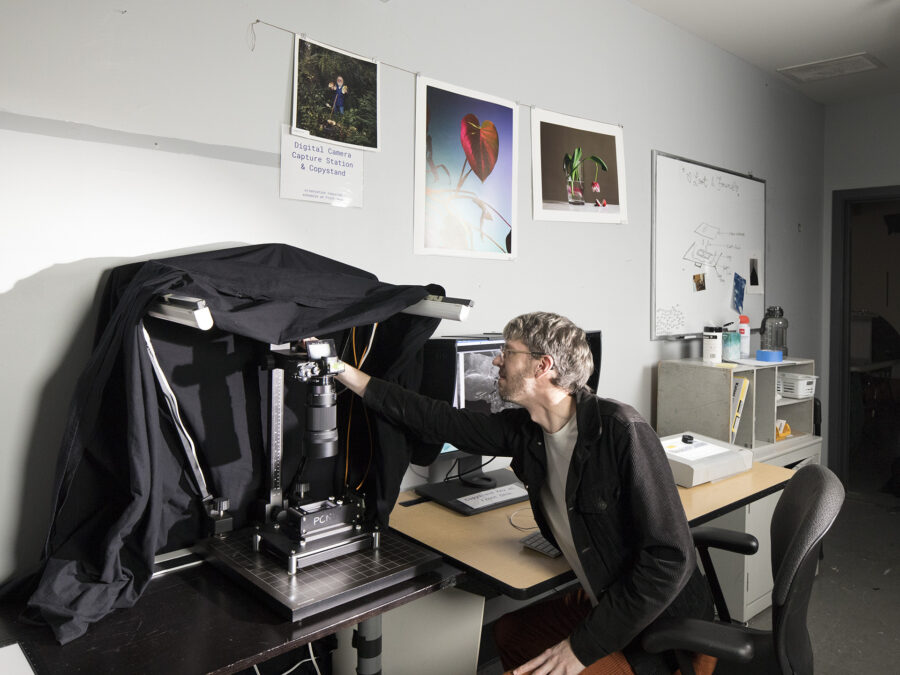
Copystand camera-capture negative digitizing station
Negative Supply Pro Kit for 35mm, 120, and 4×5
PAPER OPTIONS
PCNW has a selection of Stock Paper available in various sizes both sheet and roll. Contact printing@pcnw.org for our current list of available papers.
MISC.
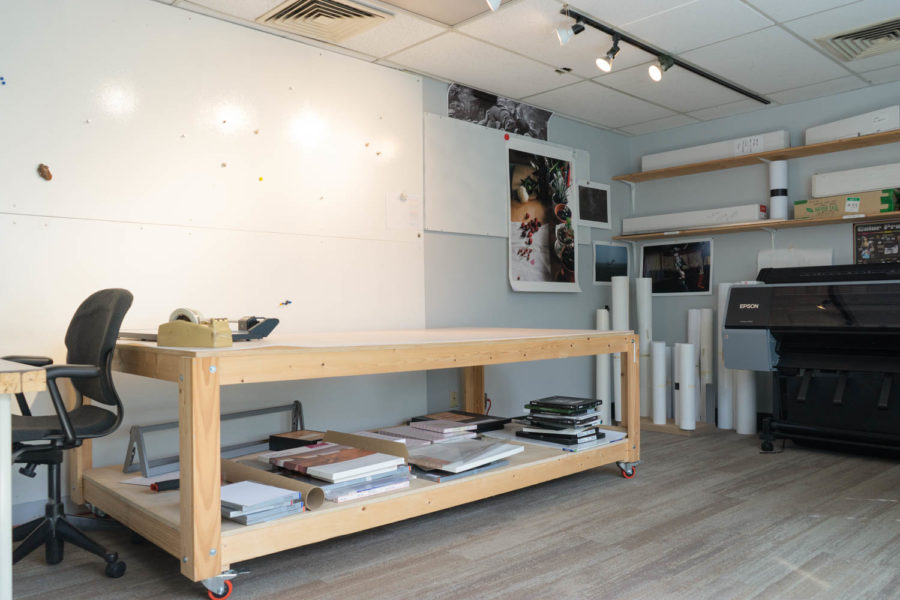
Viewing board with solux tungsten bulbs, large worktable, 24” rotatrim, light box print and negative viewer
Equipment & Software
Mac workstations running the most recent OS software
Full Adobe Creative Cloud Suite available on each workstation
Calibrated BenQ SW270 27″ editing monitors
Calibrite (X-Rite) i1 Studio calibration device
PRINTERS
One Epson P9570 44″ photo and matte black printer
One Epson Sure Color P 5000 17” photo black printer
SCANNERS
Two Epson V750 8.5×11” flatbed scanner
One Epson V850 8.5×11” flatbed scanner
Two Nikon LS 4000 35mm scanners
Wet mount scanning capability
Copystand camera-capture negative digitizing station for up to 4×5 capacity
PAPER OPTIONS
PCNW has a selection of Stock Paper available in various sizes both sheet and roll. Paper surfaces include Matte, Glossy & Luster.
MISC.
Viewing board with solux tungsten bulbs, large worktable, 24” rotatrim, light box print and negative viewer
If you are proficient in basic digital editing, printing, and/or scanning, you are able to use PCNW’s labs yourself. All new lab users are required to complete a short orientation that will introduce you to the labs, policies, and equipment. To schedule an orientation call us at 206.720.7222 x0 or e-mail pcnw@pcnw.org
DIY lab users must be able to work independently. Our labs are equipped with a volunteer monitor who can help with basic troubleshooting and load/unload paper, but please note that monitors are not there to instruct or do the printing/scanning for you. If you need instruction, please review our schedule of class and workshop offerings.
Cost is determined by printer/scanner rental time and materials usage (paper and ink used). Renters are welcome to bring their own Fine Art paper suitable for inkjet, or may opt to use PCNW Stock Paper. Please reach out to printing@pcnw.org for a list of regularly stocked papers, subject to availability.
See our Hours & Rates for further details.
Edit / Print It Yourself
If you are proficient in basic digital editing, printing, and/or scanning, you are able to use PCNW’s labs yourself. If you are new to PCNW you’ll need to complete a short orientation that will introduce you to the labs, policies, equipment, etc. To schedule an orientation call us at 206.720.7222 x0 or e-mail pcnw@pcnw.org
Our labs are equipped with a volunteer monitor who can help you troubleshoot, but please note that monitors are not there to instruct you or do the printing for you. If you need instruction, please review our schedule of class and workshop offerings.
Cost is determined by how much time, paper, and ink is used. Renters are welcome to bring their own paper, or may opt to use PCNW Stock Paper available in sheet and rolls, including Glossy, Luster, and Matte surfaces. See our Hours & Rates for details.
Please note:
Our lab monitors are trained to assist only with the paper that is stocked at PCNW. If a lab user chooses to bring their own paper or substrate to print on they are responsible for their own print workflow set up. ICC profiles and printing workflow settings for lab user supplied paper must be configured by the lab user themselves.